
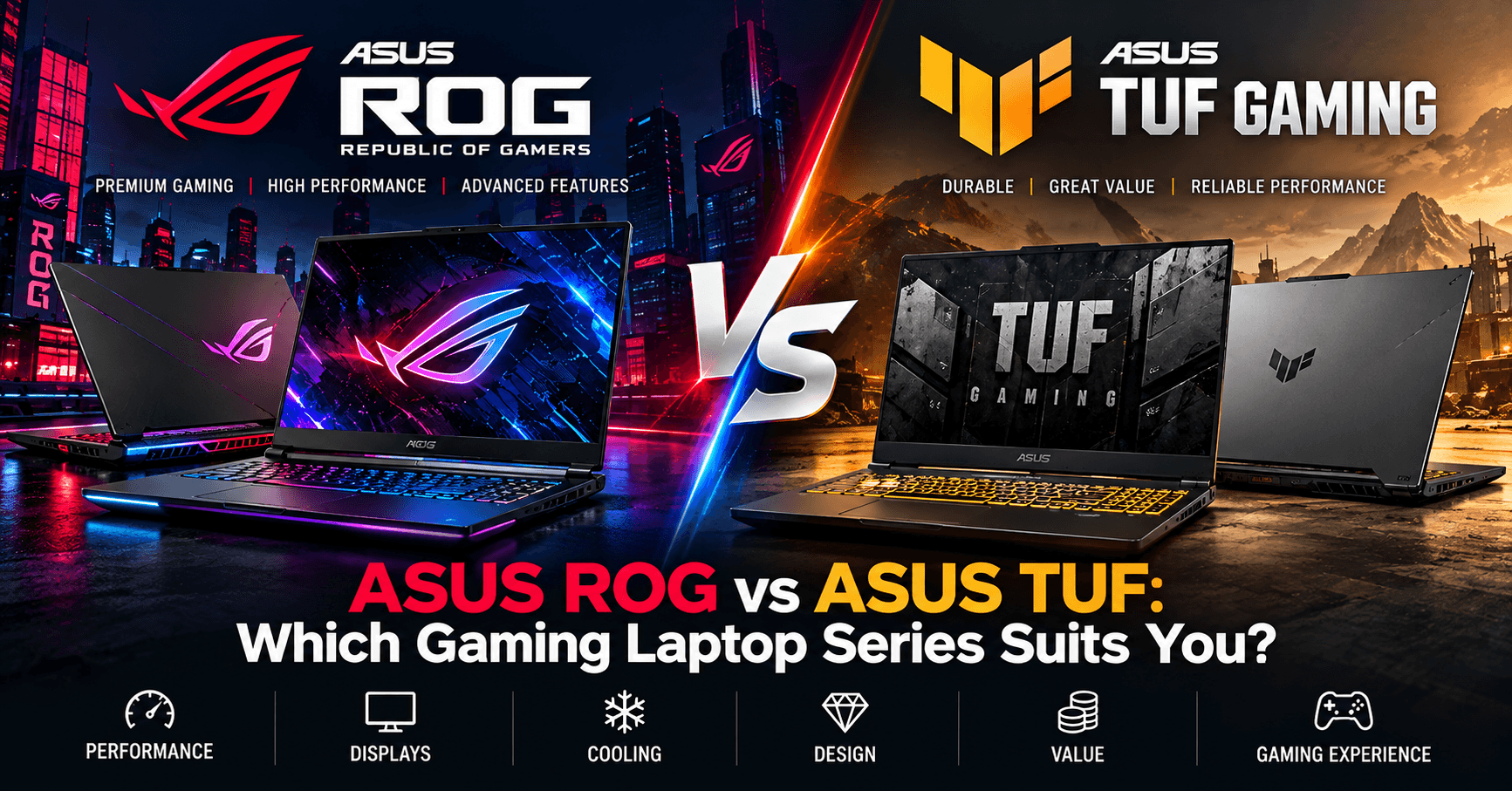
If you are searching for an ASUS gaming laptop in the UAE, two product families are likely to stand out: ASUS ROG (Republic of Gamers) and ASUS TUF Gaming.
Both series are designed for gaming, but they target different requirements. ROG laptops generally focus on premium gaming performance, advanced displays and enthusiast-level features, while TUF Gaming laptops are designed to balance gaming performance, durability and value.
So, which ASUS gaming laptop series should you choose? This guide compares ASUS ROG vs ASUS TUF Gaming laptops across performance, graphics, displays, cooling, design and everyday use. You can see the current range in our gaming laptops section.
What Is ASUS ROG?
ROG — Republic of Gamers — is ASUS's premium gaming brand.
The ROG laptop family includes several different product ranges, with ROG Strix and ROG Zephyrus among the best-known.
ASUS ROG Strix
ROG Strix laptops focus heavily on gaming performance. Depending on the model, buyers can find powerful processors, high-performance NVIDIA GeForce RTX graphics and fast gaming displays — for example the ASUS ROG Strix G16 with RTX 5060 and Core i9-14900HX.
They are particularly suited to gamers looking for:
- High frame rates
- Powerful CPU and GPU configurations
- High-refresh-rate displays
- Advanced cooling
- RGB gaming aesthetics
- Competitive gaming performance
- Desktop-replacement capability
ROG Strix models are worth considering for demanding AAA gaming, esports and workloads where sustained performance matters.
ASUS ROG Zephyrus
ROG Zephyrus takes a somewhat different approach.
These laptops combine gaming performance with a thinner, more premium design. Selected models can also offer high-quality displays suited to both gaming and content creation.
ROG Zephyrus can be particularly attractive for users who need one laptop for gaming, business, travel and creative work.
What Is ASUS TUF Gaming?
ASUS TUF Gaming is designed to provide strong gaming specifications while maintaining a more value-focused position than many premium ROG models.
TUF Gaming laptops are popular with buyers who want a capable gaming machine without necessarily paying for every premium feature available on higher-end systems.
Depending on the specific model, ASUS TUF laptops can offer:
- Intel or AMD processors
- NVIDIA GeForce RTX graphics
- DDR5 memory
- NVMe SSD storage
- High-refresh-rate displays
- RGB or backlit keyboards
- Gaming-focused cooling
- Upgradeable memory and storage on supported models
Popular families include the ASUS TUF Gaming A15, A16, F15 and F16, although availability and configurations vary by market and generation. Current examples include the ASUS TUF Gaming A16 with Ryzen 9 270 and RTX 5070 and the ASUS TUF Gaming A16 with Ryzen 7 260 and RTX 5050.
ASUS ROG vs TUF: Gaming Performance
Performance should be compared using the exact laptop configuration, rather than the ROG or TUF name alone.
A laptop's gaming performance depends on several components:
- Processor: The CPU affects gaming, multitasking and CPU-intensive workloads.
- Graphics card: The GPU is one of the biggest factors affecting gaming frame rates and graphical settings.
- GPU power: Two laptops using similarly named laptop GPUs can perform differently depending on their configured power limits and cooling.
- RAM: 16GB is a practical starting point for modern gaming, while 32GB provides additional capacity for demanding games, streaming and professional applications.
- Cooling: Better thermal management can help the CPU and GPU sustain performance during long gaming sessions.
This means a well-configured TUF Gaming laptop can sometimes be a better match for a particular buyer than a lower-spec ROG model.
Always compare the CPU, GPU, RAM, SSD, display and cooling configuration together.
Graphics: NVIDIA GeForce RTX
Both ASUS ROG and ASUS TUF Gaming laptops are available with NVIDIA GeForce RTX graphics, depending on the generation and configuration.
The GPU you need depends on the resolution, games and graphics settings you intend to use.
For esports and mainstream gaming, a mid-range GPU may provide sufficient performance.
For demanding AAA games, high-resolution gaming, ray tracing, streaming, 3D rendering or professional creative workloads, a higher-performance GPU may be worthwhile.
When comparing two ASUS laptops, don't choose solely based on the RTX number. Check the complete specification and intended performance class of the machine.
Display Quality and Refresh Rate
The display is another major difference to consider.
ASUS ROG Displays
ROG laptops can feature premium gaming displays with combinations of:
- High refresh rates
- High resolutions
- Fast response times
- Wide colour coverage on selected models
- OLED or ROG Nebula-class displays on selected models
- Adaptive-sync technologies depending on configuration
Some ROG models are particularly attractive to users who need a premium screen for both gaming and creative work.
ASUS TUF Gaming Displays
TUF Gaming laptops also offer high-refresh-rate displays designed for gaming.
Depending on the model, configurations can include Full HD, WUXGA or higher-resolution panels with refresh rates such as 144Hz, 165Hz or higher.
For many gamers, these displays provide an excellent balance between smooth gameplay and overall laptop cost.
Always verify the exact panel specification because displays can differ even within the same laptop family. If you play at a desk, a separate gaming monitor gives you a larger screen than any laptop.
Cooling and Thermal Performance
Powerful gaming hardware generates heat, making cooling an important part of any gaming laptop.
ROG models, particularly higher-performance Strix configurations, can incorporate more advanced thermal designs intended to support powerful CPU and GPU combinations.
TUF Gaming laptops also use dedicated gaming cooling systems designed for sustained performance.
However, cooling varies considerably between individual models.
When comparing laptops, consider:
- Fan configuration
- Heat-pipe or vapour-chamber design
- Air intake and exhaust placement
- Performance modes
- GPU power limits
- Laptop thickness
- Independent thermal reviews
A laptop's cooling system can affect performance, surface temperature and fan noise.
Design and Build Quality
The two families also have different design philosophies.
ROG
ROG laptops generally have a more premium and enthusiast-focused identity.
Depending on the model, you may find:
- RGB lighting
- Premium chassis materials
- Gaming-inspired design elements
- Thin and lightweight designs in the Zephyrus family
- Extensive customisation options
TUF Gaming
TUF Gaming generally focuses on a more practical gaming design.
The range is known for combining gaming aesthetics with durability-focused construction.
For students, office users and gamers who regularly carry their laptop, the relatively understated appearance of some TUF configurations may also be attractive.
RAM and Storage
For a gaming laptop in 2026, 16GB RAM is a sensible starting point, while 32GB is worth considering for demanding gaming, streaming, multitasking and content creation.
A 1TB NVMe SSD is also a practical choice because modern games can require substantial storage space.
Before purchasing either ROG or TUF, check:
- Installed RAM
- Maximum supported memory
- Whether RAM is soldered or upgradeable
- Number of memory slots
- Installed SSD capacity
- Available M.2 expansion slots
Upgradeability varies between individual models.
ROG vs TUF for Competitive Gaming
Competitive gamers should pay particular attention to GPU performance and display refresh rate.
A high-refresh-rate ROG Strix configuration can be particularly suitable for esports players who want maximum performance.
However, a TUF Gaming laptop equipped with a capable GPU and fast display can also provide excellent competitive gaming performance at a more accessible price point.
Don't pay for specifications you will not use. Match the hardware to the games you actually play.
ROG vs TUF for Content Creation
Gaming laptops are increasingly used for much more than gaming.
Video editors, graphic designers, engineers, architects and 3D professionals can benefit from the powerful CPUs and GPUs available in gaming systems.
For creators, consider:
- Display colour accuracy
- Resolution
- CPU performance
- GPU VRAM
- 32GB or more RAM where required
- SSD capacity
- External display support
- USB-C connectivity
ROG Zephyrus models can be particularly interesting for users seeking a combination of performance, portability and premium display quality.
TUF Gaming can offer strong performance for creators who prioritise hardware value over premium chassis features.
ROG vs TUF for Students
Students who want a laptop for both study and gaming should consider more than frame rates.
Weight, battery life, charger size, webcam quality and portability can make a significant difference when carrying a laptop every day.
A TUF Gaming model can offer an attractive balance between gaming performance and price.
A thinner ROG Zephyrus may suit buyers who want a more premium, portable machine and have a higher budget.
Which ASUS Gaming Laptop Should You Choose?
| If you prioritise… | Consider |
|---|---|
| Premium gaming features and higher-end configurations | ASUS ROG |
| High-refresh-rate premium displays and advanced cooling | ASUS ROG |
| Competitive gaming and content creation at the top end | ASUS ROG |
| Premium design and materials | ASUS ROG (Zephyrus for thin and light) |
| Strong gaming performance at a competitive price | ASUS TUF Gaming |
| Practical design for gaming and everyday use | ASUS TUF Gaming |
| Good performance-to-price balance and upgradeability | ASUS TUF Gaming |
Neither family is automatically better for every buyer. The correct choice depends on the specific model, configuration, price and intended use.
What to Check Before Buying
Before buying an ASUS ROG or TUF Gaming laptop in the UAE, confirm:
- Exact laptop model and part number
- Processor model and generation
- NVIDIA GeForce RTX GPU model
- GPU power specification where available
- RAM capacity and upgradeability
- SSD capacity and expansion options
- Display resolution and refresh rate
- Keyboard layout
- Operating system
- Connectivity and ports
- Warranty coverage
- Regional version
Checking the exact part number is especially important because laptops with similar product names may have different specifications in different markets.
Buy ASUS ROG & TUF Gaming Laptops in the UAE
Coreflux Computer LLC supplies brand-new ASUS gaming laptops and IT products for customers, businesses and resellers across the UAE. See every ASUS model we currently stock on our ASUS page, or browse all gaming laptops.
Configurations may include the latest Intel and AMD processors, NVIDIA GeForce RTX graphics, high-refresh-rate displays, DDR5 memory and NVMe SSD storage. Stock, specifications and regional versions are subject to availability.
Send the ASUS model number or your required CPU, GPU, RAM, storage, display size and budget to the Coreflux sales team on WhatsApp, and we will check available ASUS ROG and TUF Gaming configurations for you. Standard delivery across the UAE takes 3–5 working days and is free on orders from AED 500.
Frequently asked questions
Is ASUS ROG better than ASUS TUF?
Not automatically. ROG adds premium displays, materials and cooling, but a well-configured TUF laptop with the same GPU can match a lower-spec ROG model for gaming. Compare the exact CPU, GPU, GPU power, RAM and display, not the brand name.
Which is better for students, ROG or TUF?
For most students TUF offers the better balance of gaming performance and price. A thin ROG Zephyrus suits students who carry the laptop daily and have a higher budget.
How much RAM does an ASUS gaming laptop need in 2026?
16GB is a sensible starting point for modern games; 32GB is worth it for streaming, heavy multitasking and content creation. Check whether the memory is upgradeable before you buy.
Do you deliver ASUS gaming laptops across the UAE?
Yes. Coreflux delivers across the UAE in 3–5 working days, free on orders from AED 500, with next-working-day express delivery in Dubai.