
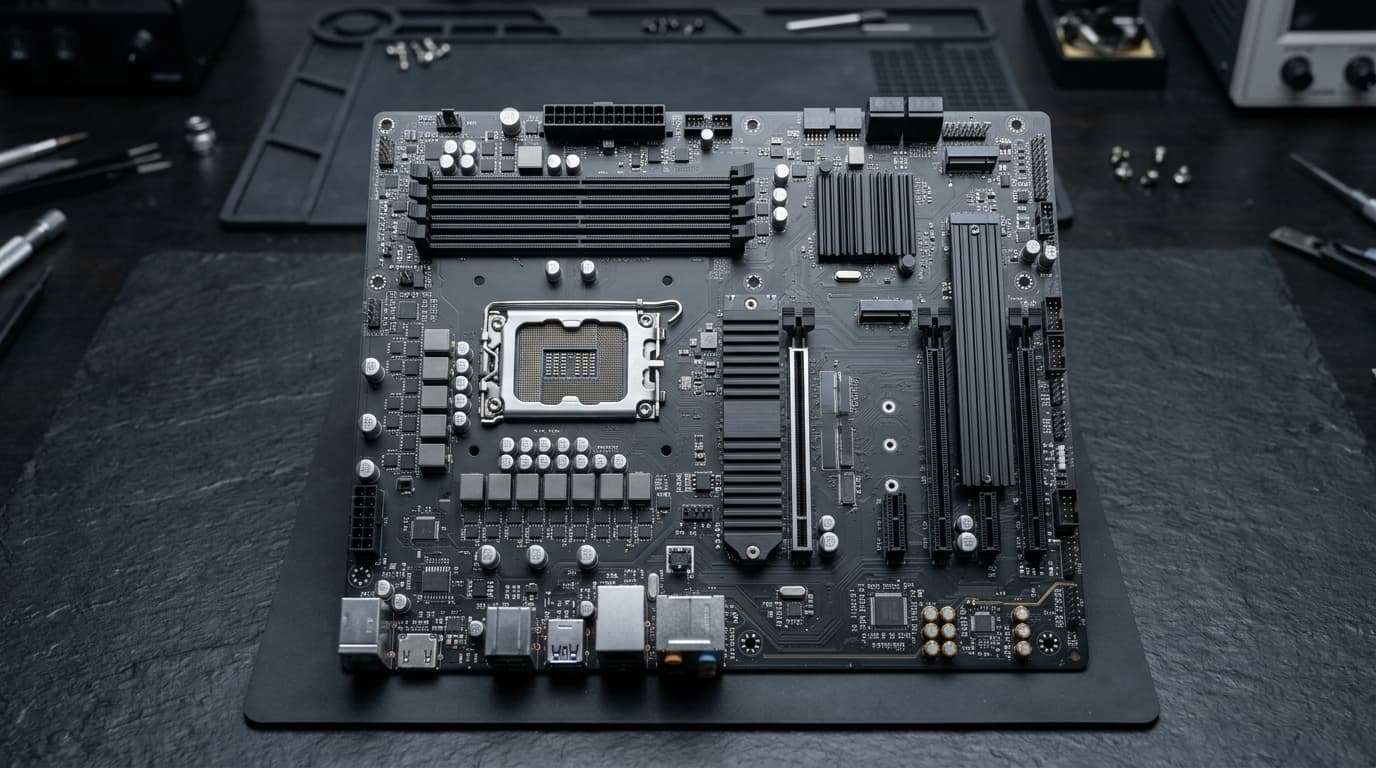
A motherboard is the one component that has to agree with everything else in the machine. Get it wrong and nothing else you bought will work together.
The socket must match the processor
The socket is the physical and electrical interface for the CPU. A processor made for one socket will not fit another, and there is no adapter. Confirm the exact socket your chosen processor uses before looking at anything else on the board.
The chipset decides what the board can do
Two boards with the same socket can differ considerably. The chipset governs how many fast storage and expansion lanes you get, whether the board supports overclocking, and how many USB ports it can drive.
Form factor has to fit the case
- ATX: the standard size, most expansion slots
- Micro-ATX: shorter, fits more cases, fewer slots
- Mini-ITX: the smallest, usually one expansion slot
Check the case specification for the sizes it accepts. A smaller board always fits a larger case; the reverse is not true.
Memory support
Boards support a specific memory generation, a maximum capacity and a list of validated speeds. Memory faster than the board supports will run slower, not faster, so paying for it gains nothing.
The things people forget
- How many M.2 slots there are, and whether using one disables a SATA port
- Whether the rear panel has the ports you need, since these cannot be added later
- Whether the board needs a firmware update to accept a newer processor
Bring us your processor and memory choice and we will confirm the board matches before you order.
Motherboards in stock at Coreflux
- Intel Core Ultra (LGA 1851): ASUS PRIME H810M-A WIFI for everyday builds, or the GIGABYTE Z890 Gaming X WIFI7 and ASUS ProArt Z890-Creator for overclocking and creators
- AMD Ryzen (AM5): GIGABYTE X870 EAGLE WIFI7, GIGABYTE X870E EAGLE X3D WIFI7 and ASUS ProArt X870E-Creator
See every board in motherboards, and pair it with a card from graphics cards.
Frequently asked questions
Which motherboard do I need for an Intel Core Ultra processor?
Desktop Core Ultra 200S processors use the LGA 1851 socket: choose a Z890 board for overclocking or an H810/B860 board for everyday builds.
Which motherboard do I need for AMD Ryzen 9000?
Ryzen 7000 and 9000 desktop processors use AM5: X870E and X870 boards offer the most PCIe 5.0 and USB4, B650 and B850 boards cost less.